Log in directly from your help desk.
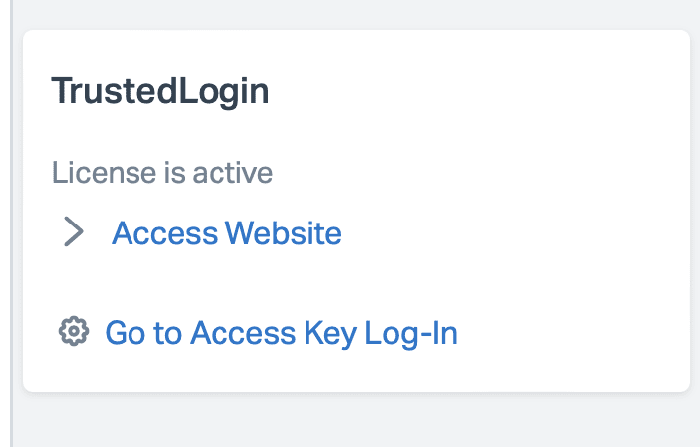
The Connector runs on your own WordPress site and puts every access grant where your agents already live: inside the Help Scout ticket. The customer’s site, license, and a Log In button, right in the sidebar of the conversation they’re answering.
No tab-switching, no “which site was this again?”
A grant arrives, the panel lights up, and your agent clicks once and is in the right site as the right role. When the window closes, the account on the customer’s site removes itself. Your agent never saw a password, because there wasn’t one.
On WordPress.org, source in the open
GPL-licensed, on WordPress.org with public source and version history since 2024. It holds the only key that can decrypt your customers’ grants, on your site, never ours.
Install it, connect Help Scout, and grants start arriving
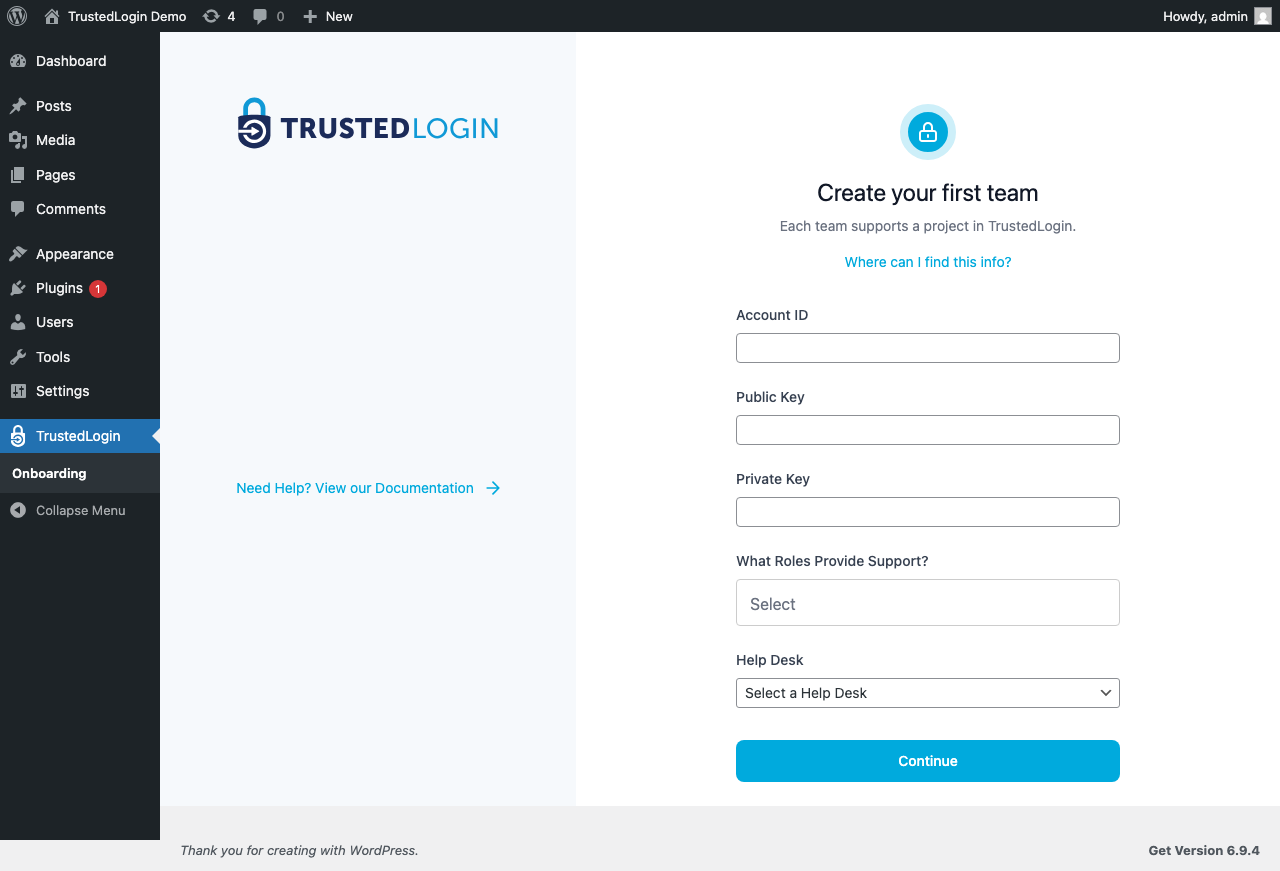
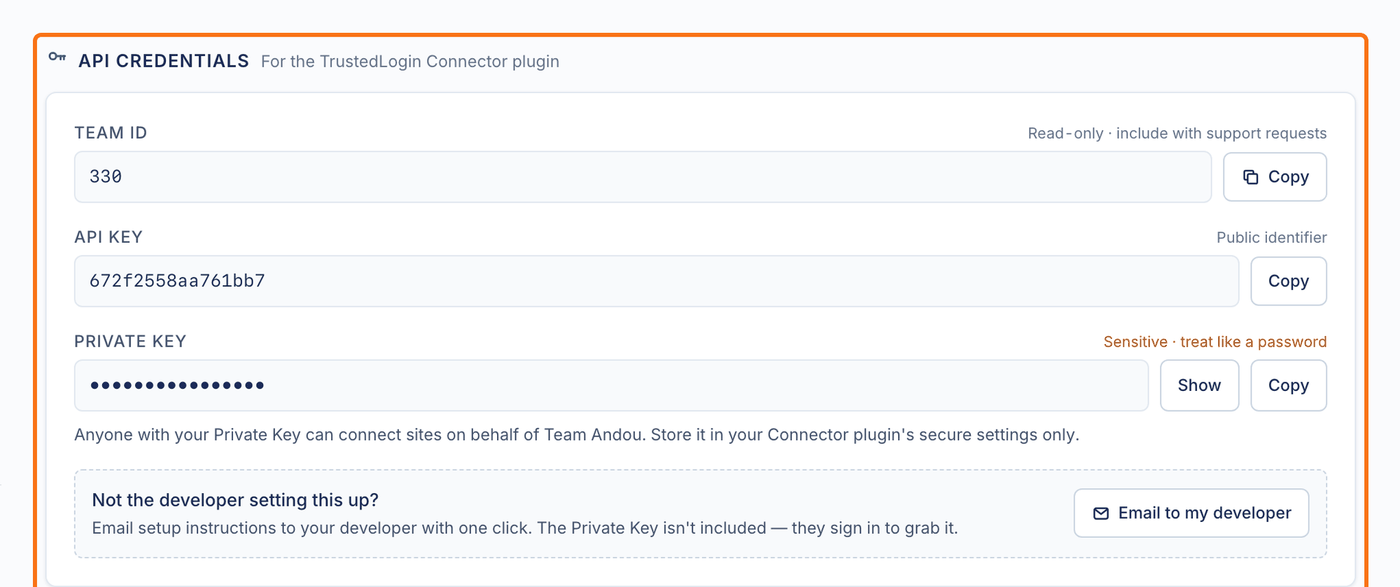
Install it from the WordPress.org plugin directory, or download the zip directly. Paste the Team ID, API key and private key from your TrustedLogin team settings, connect your Help Scout mailbox, and grants your customers make inside your own product start showing up as they come in. Full setup: docs.trustedlogin.com.
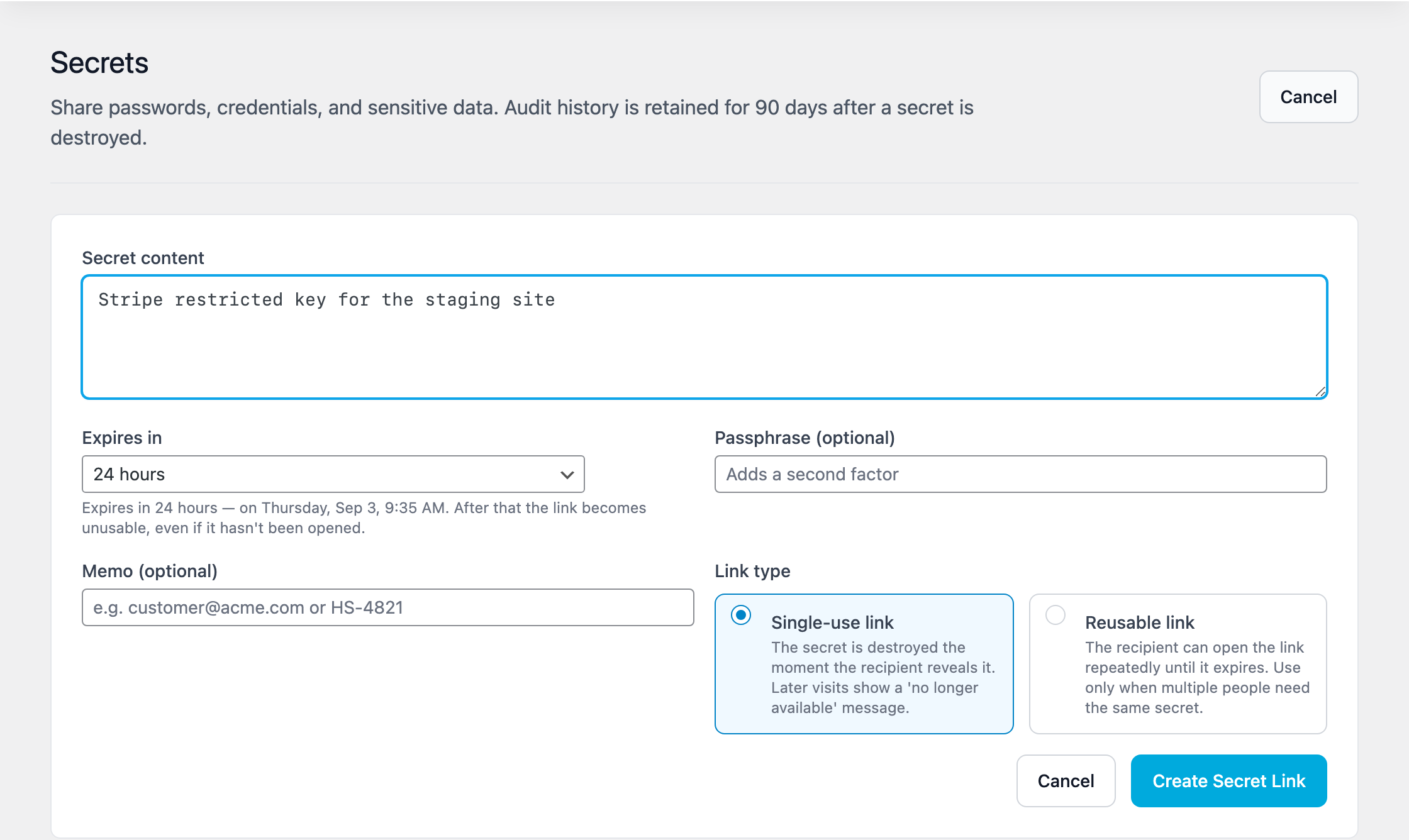
When you have to share something sensitive…
FTP credentials, hosting logins, API keys, database strings: send a secret link that vanishes on first read or at an expiry up to 30 days, and your customer can send one back the same way. Created on your site, logged for 90 days.